
5 Website Layout Mistakes That Cost Las Vegas Businesses Leads Every Day

QUICK ANSWER Only 35% of law firm websites directly generate new clients despite 87% of attorneys having one. The difference comes down to five core design elements: trust signals (client testimonials and case results), clear intake forms, local SEO optimization, dedicated practice area pages, and attorney bios that build credibility. A properly designed law firm […]
10 Landing Page Mistakes That Kill Conversions (and How To Fix Them)
Key Takeaways: Landing page mistakes are design, copy or performance issues that prevent visitors from taking action whether that’s filling out a form, booking a consultation or making a purchase. For many Las Vegas businesses, landing pages are connected to paid ads, SEO campaigns or email marketing. When they underperform, it’s not just a design […]
What Every Las Vegas Business Owner Should Know About Website UX

Key takeaways When most business owners think “web design,” they picture colors, logos, and layout. But what actually determines whether your website generates calls, form submissions, and booked appointments goes beyond aesthetics. It comes down to user experience, or UX. In Las Vegas, attention spans are short and competition is intense. Your customers are […]
Why Does My Website Take So Long to Load?
If your website feels slow to load, you are not imagining it. Many Las Vegas business websites struggle with performance issues that quietly hurt search rankings, user experience, and conversions. At Starfire Web Design, we regularly audit local websites and find the same speed problems costing businesses leads and visibility. This guide explains why your […]
Custom Web Design vs Templates: What Actually Works for Las Vegas Businesses
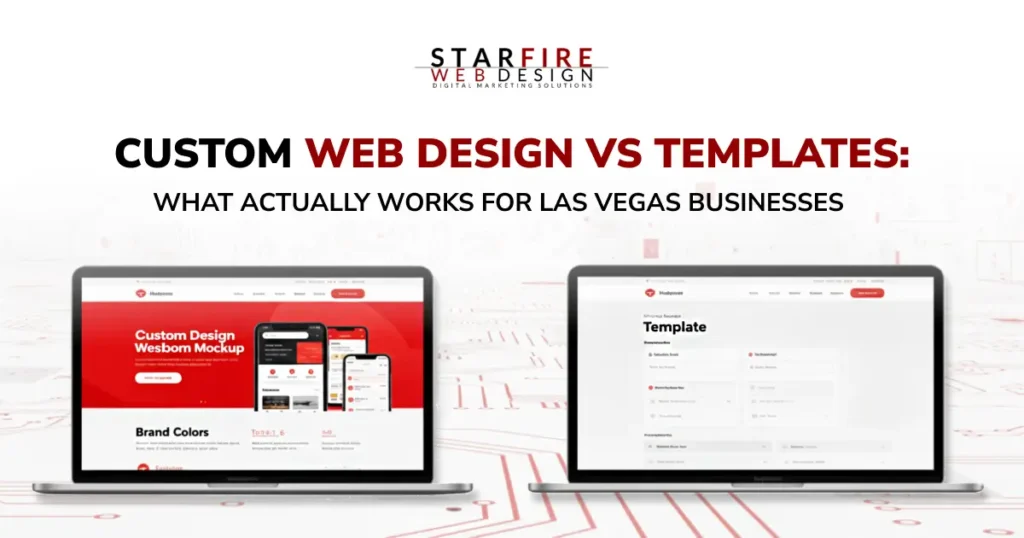
Key Takeaways Let’s Get Honest About What Your Website Is Supposed to Do A website doesn’t need to be beautiful to be effective. It needs to be clear. Clear about who you are.Clear about what you offer.Clear about what someone should do next. If your site isn’t helping visitors make a decision, it’s not […]
Starfire Web Design Helped Me Discover Web Design

A student’s internship shows how Starfire Web Design offers expertise to turn websites into business success.
Planning a Successful Website: Your Roadmap to Digital Impact
Learn how planning a successful website with Starfire Web Design drives ROI for your business with these expert tips.
FontAwesome Introduces Duo Icons & Teases Duotone Colors
FontAwesome, a leading icon library used by millions of websites, is gearing up for exciting updates. In their recent 5.9 release, they introduced 421 new icons, including ‘duo icons’—clever pairings like laptop & phone or silo & barn. They’ve also teased the upcoming addition of duotone icons, promising customizable two-tone colors via CSS pseudoclasses like ::before and ::after. While still in beta, these features hint at a vibrant future for web design. At Starfire Web Design, we’re eager to explore these enhancements in our projects, confident that FontAwesome’s benefits far outweigh any minor impact on page load times.
Want to start an eCommerce site? Here’s what you need.
Thinking of launching an eCommerce site? From giants like Amazon to small family businesses, selling online offers lower costs and access to niche markets. But success requires preparation. In this guide, we cover the essentials: crafting compelling content to boost search rankings, showcasing high-quality product photos, setting up secure payment gateways like Stripe or PayPal, arranging reliable shipping options, and leveraging social media to build an audience. Whether you’re selling crafts or apparel, these steps will help you create a thriving online store with ease.
Basic WordPress Training
New to WordPress and unsure where to start? Starfire Web Design’s ‘WordPress Training for Clients’ guide simplifies the essentials for managing your site. Covering the basics—like logging in, navigating the WordPress Dashboard, editing content, and handling media—this tutorial empowers beginners to take control of their website. From creating pages and posts to managing users and menus, we break down the intuitive features that make WordPress the world’s top content management system. Whether you’re a client or a novice, this resource ensures you’re equipped to maintain your online presence with confidence.